garchomp
X11 Compositor
A GPU-accelerated X11 compositor built with wgpu and Rust. garchomp replaces picom with tighter gar integration, Lua-scripted animations, per-window rules, and experimental HDR support. Enjoy smooth blur, shadows, rounded corners, and workspace transitions with modern GPU rendering.
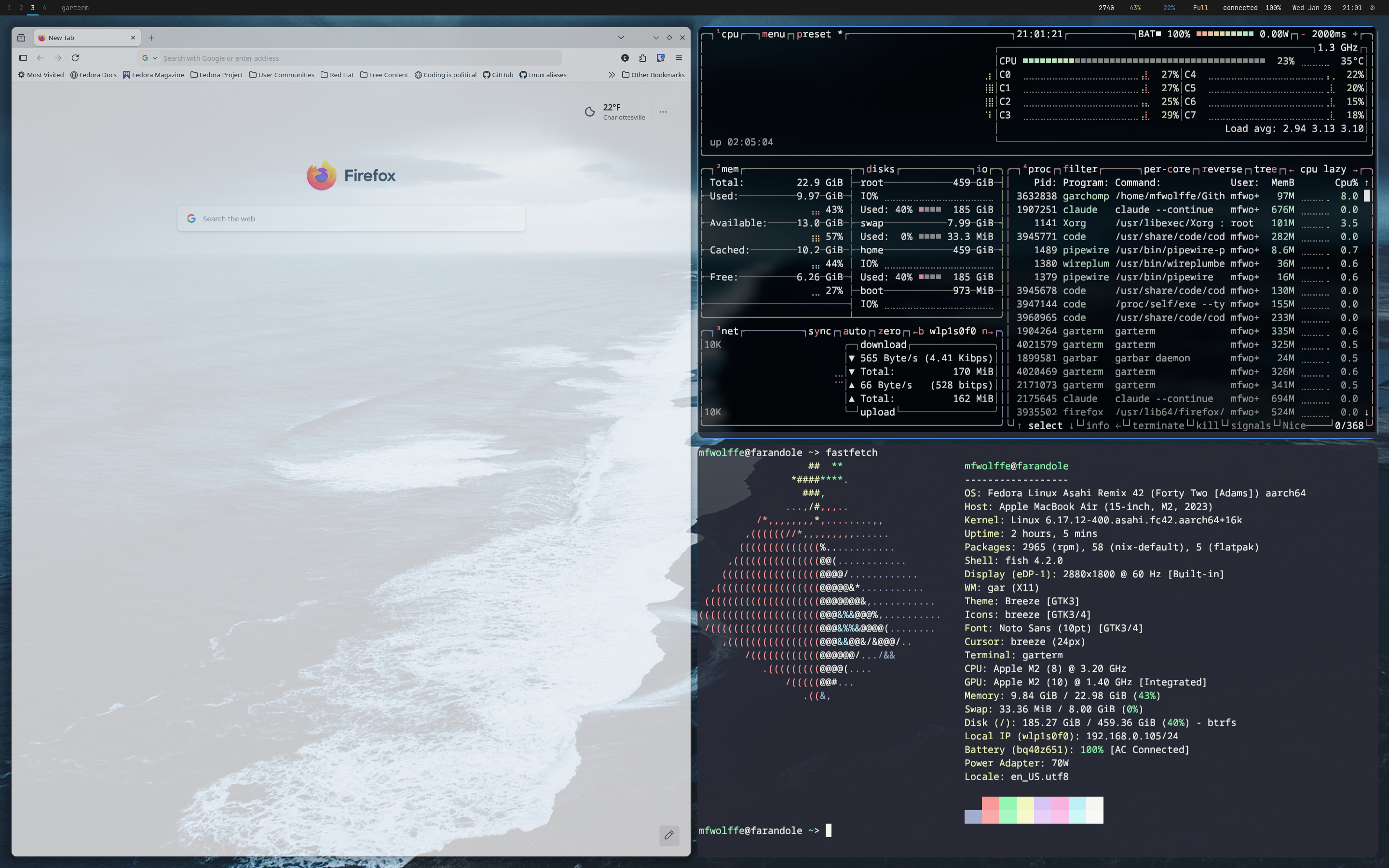
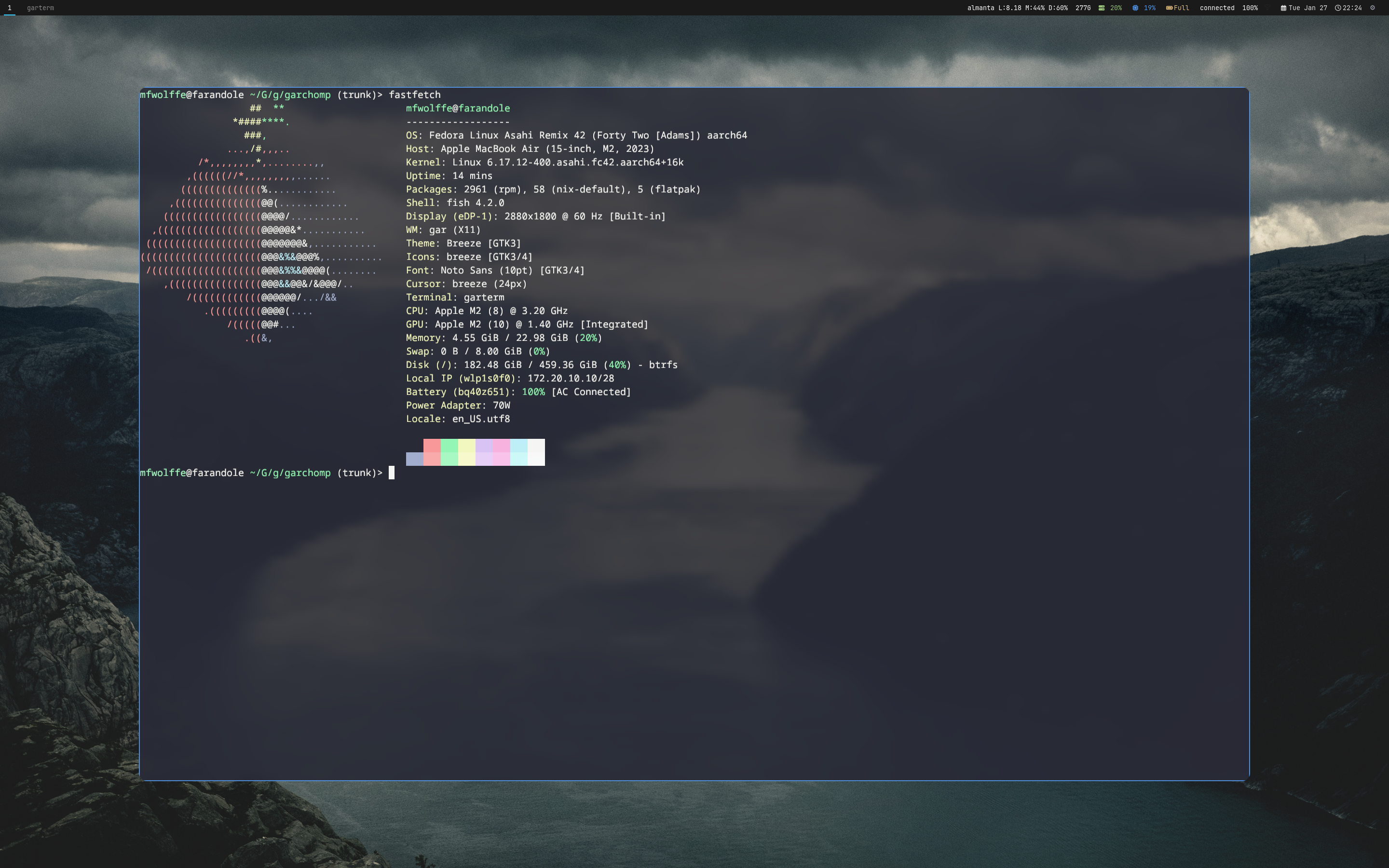
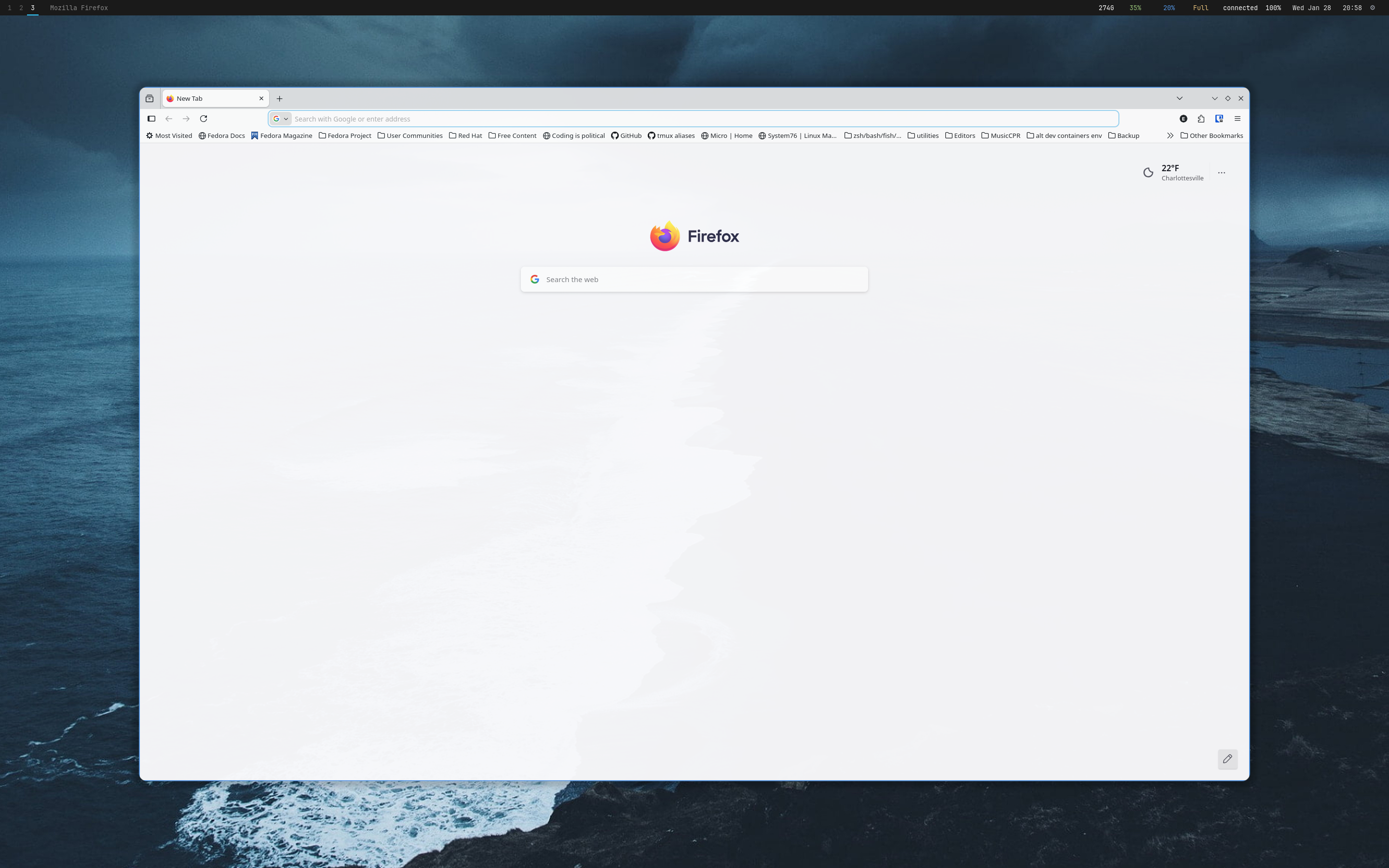
Features
- GPU-accelerated rendering with wgpu (Vulkan/GL)
- Dual Kawase blur for fast, high-quality backgrounds
- Soft drop shadows with configurable radius and offset
- Rounded window corners with per-window overrides
- Lua-scripted animation system (open, close, workspace)
- Per-window rules based on WM_CLASS, title, or instance
- Configurable VSync modes (off, on, adaptive)
- Experimental HDR support with ACES tonemapping
- Multi-monitor support via RandR
- Focus-based opacity (dim unfocused windows)
- Fullscreen bypass for unredirected rendering
- Workspace transition animations synced with gar
- File-watch hot-reload (auto or via garchompctl reload)
- Window type detection with smart effect exclusion
- IPC control via garchompctl
Quick Start Guide
Get up and running with garchomp in just a few steps. This guide covers installation, basic configuration, and essential commands.
1. Installation
Install garchomp using the unified installer or build from source:
2. Running with gar
When using gar, garchomp starts automatically via gar.exec_once() in your config. For standalone use:
3. Essential Commands
Use garchompctl to control the compositor at runtime:
4. Configuration File
Configure garchomp in ~/.config/gar/init.lua using the garchomp namespace. Changes apply after garchompctl reload.
5. Quick Config
Add these lines to your init.lua to enable basic effects:
-- garchomp compositor
garchomp.set("blur_enabled", true)
garchomp.set("blur_strength", 5)
garchomp.set("shadow_enabled", true)
garchomp.set("corner_radius", 12)
garchomp.set("fade_enabled", true)

-- Start with gar session
gar.exec_once("garchomp")