Beta
garterm
GPU-Accelerated Terminal Emulator
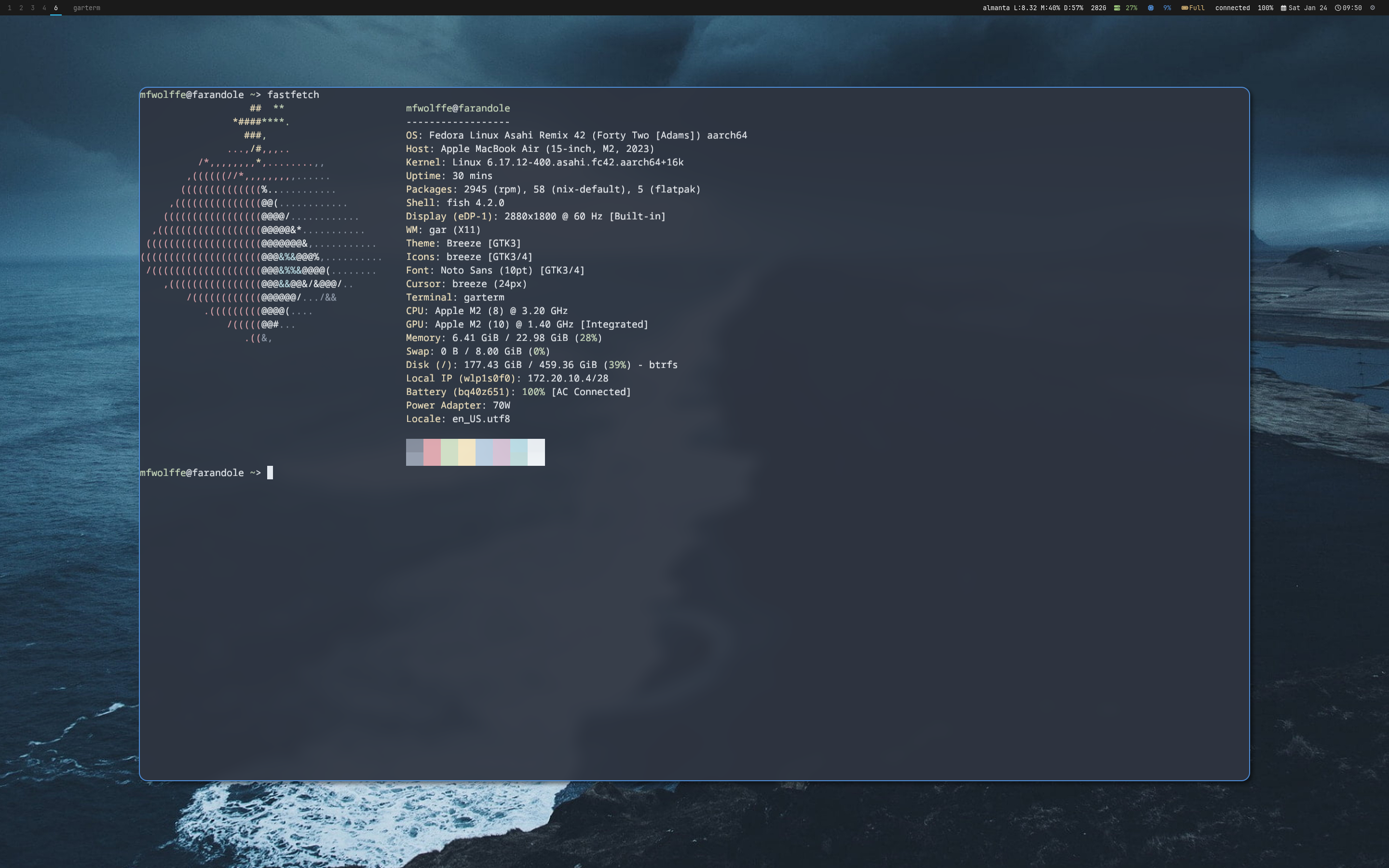
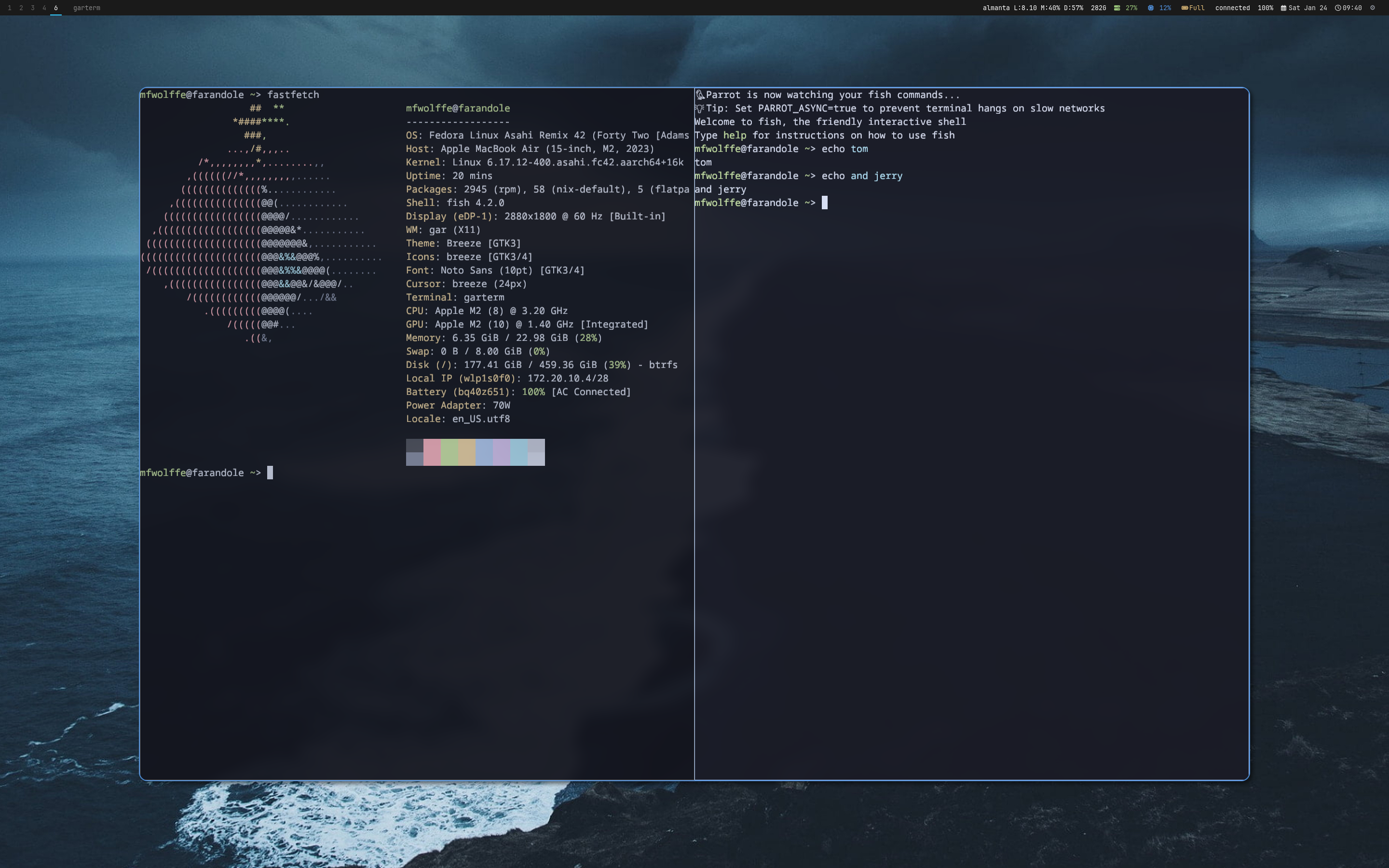
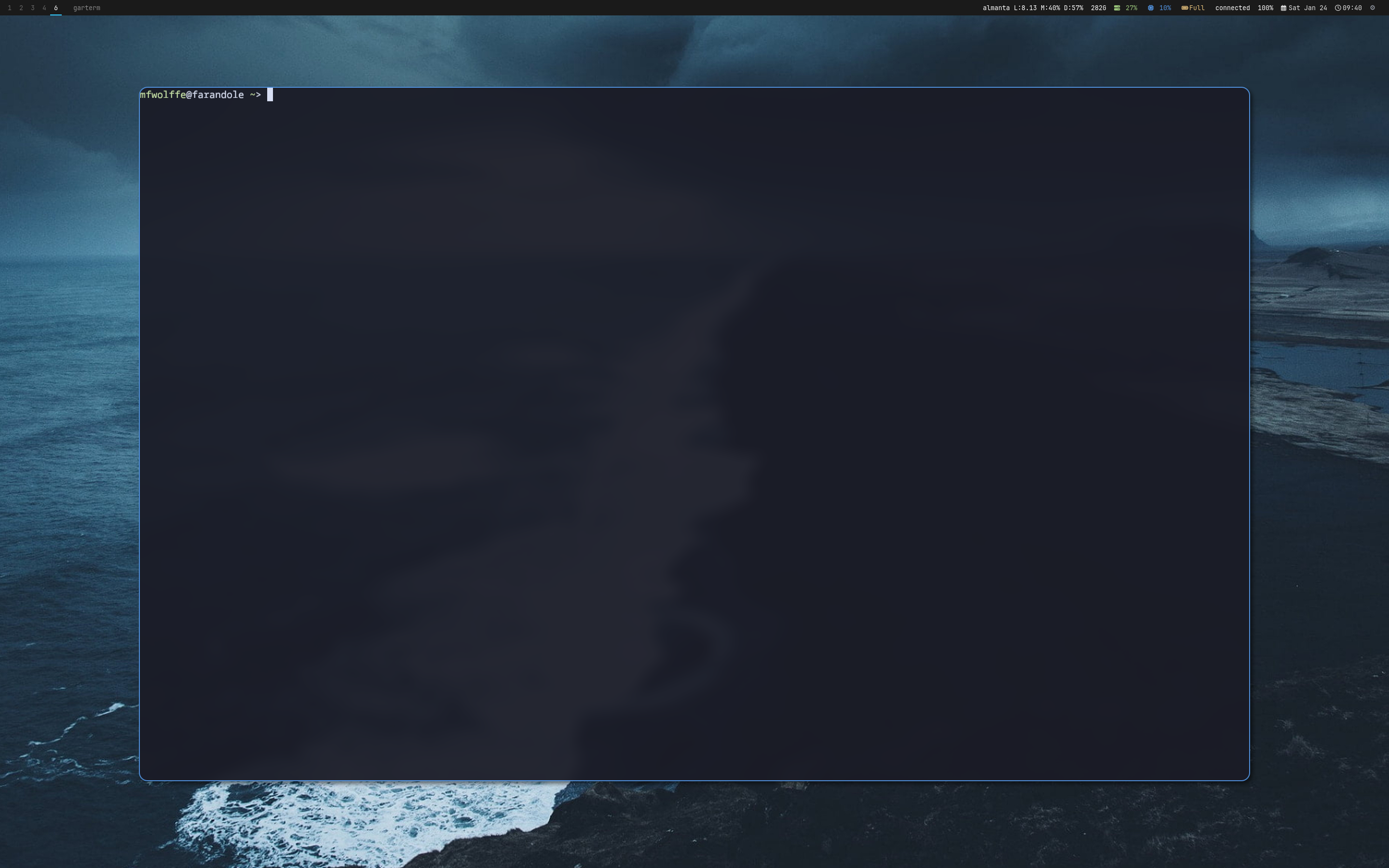
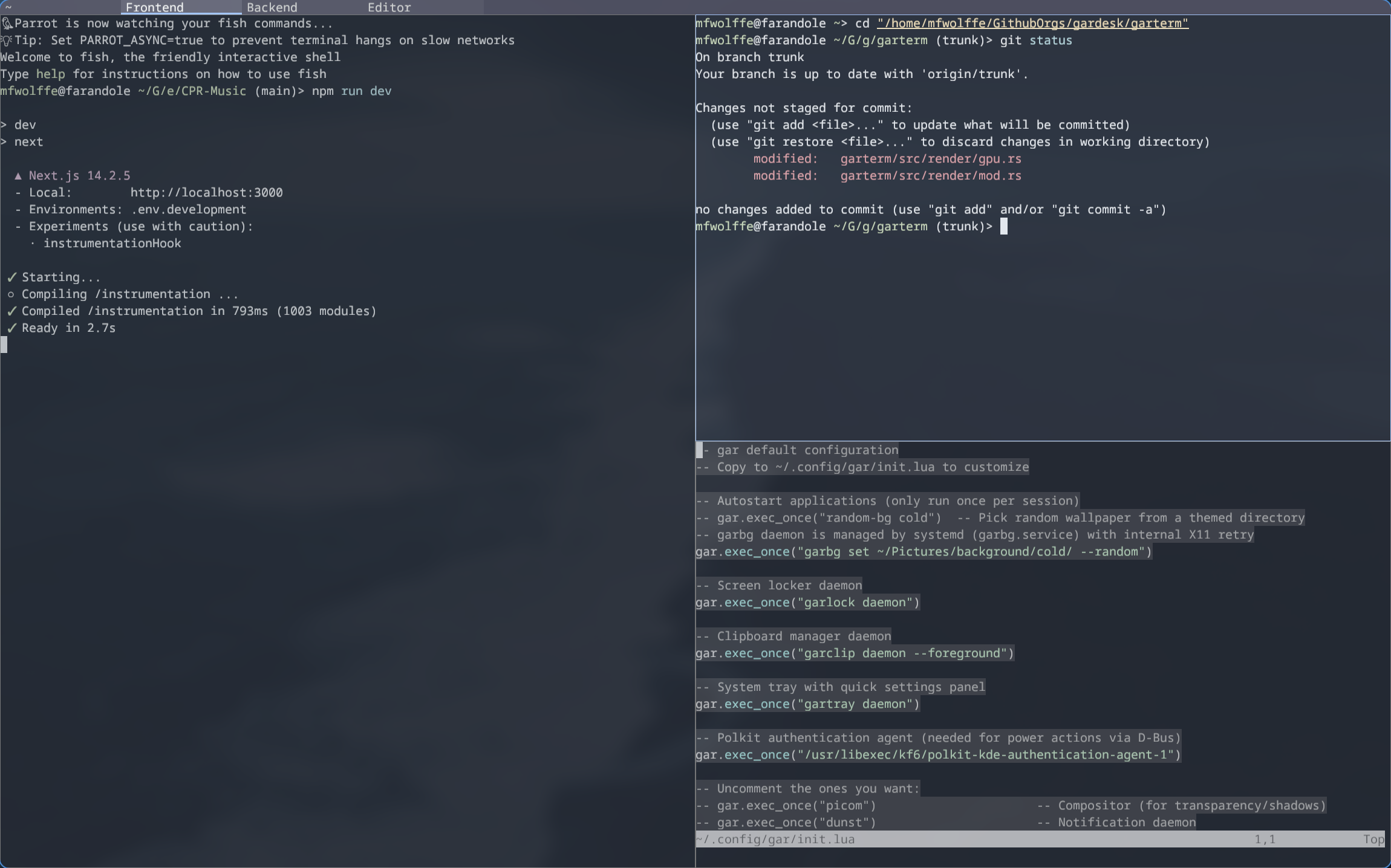
A fast terminal emulator with GPU-accelerated rendering via wgpu. Features tabbed interface with split panes, VT100-compatible terminal emulation, 7 built-in color themes, and deep integration with gar's Lua configuration. Control running instances via gartermctl for scripting and automation.
Features
- GPU-accelerated rendering with wgpu
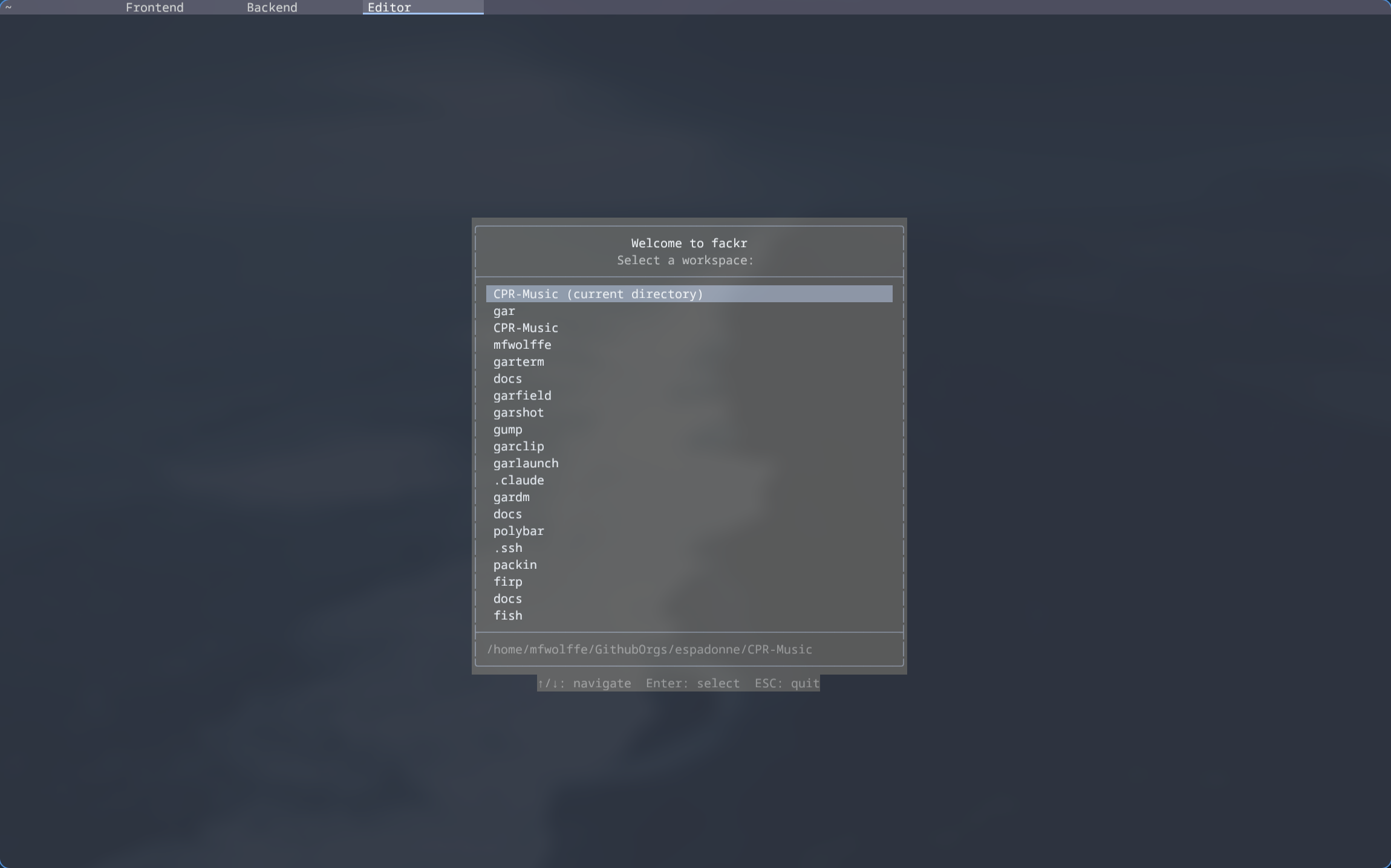
- Tabbed interface with horizontal/vertical splits
- VT100/xterm-compatible terminal emulation
- 7 built-in color themes (Tokyo Night, Catppuccin, etc.)
- Lua + TOML configuration
- Deep integration with gar window manager
- IPC control via gartermctl
- Declarative session management
- Text selection (normal, line, block modes)
- Incremental search with highlighting
- 10,000 line scrollback buffer
- Mouse support (X10, SGR, urxvt encodings)
- OSC 52 clipboard operations
- Shell integration (OSC 133)
- Font fallbacks with Nerd Font support
- Configurable tab bar with path shortening
Quick Start Guide
Get garterm running standalone or integrated with the gar window manager.
1. Installation
$ curl -fsSL https://gar.musicsian.com/install.sh | bash -s -- --component=garterm # Install via script
$ cd ~/.local/src/gardesk/garterm && cargo build --release # Or build from source
2. Running garterm
$ garterm # Start with default config
$ garterm -e /bin/zsh # Start with specific shell
$ garterm --font-size 14 # Custom font size
$ garterm --print-config # Print loaded config and exit
3. Configuration
Create a configuration file or integrate with gar:
$ mkdir -p ~/.config/garterm # Create config directory
$ $EDITOR ~/.config/garterm/config.toml # Edit TOML config (standalone)
$ $EDITOR ~/.config/gar/init.lua # Or configure via gar.terminal table
4. Control with gartermctl
$ gartermctl new-tab # Open new tab
$ gartermctl split --horizontal # Split pane horizontally
$ gartermctl next-tab # Switch to next tab
$ gartermctl send "ls -la\n" # Send text to terminal
$ gartermctl load-session webdev # Load named session
$ gartermctl --all reload # Reload config on all instances
5. Basic Navigation
| Action | Keybind |
|---|---|
| New tab | Ctrl+Shift+T |
| Close tab | Ctrl+Shift+W |
| Next/prev tab | Alt+] / Alt+[ |
| Split vertical | Ctrl+Shift+Enter |
| Split horizontal | Ctrl+Shift+\ |
| Focus direction | Alt+Arrow |
| Search | Ctrl+Shift+F |