Beta
garview
Image & Document Viewer
A multi-format image and document viewer with annotation tools, PDF text search, form fields, and print/export support. View images, PDFs, comics, and eBooks with session persistence and IPC control.
Features
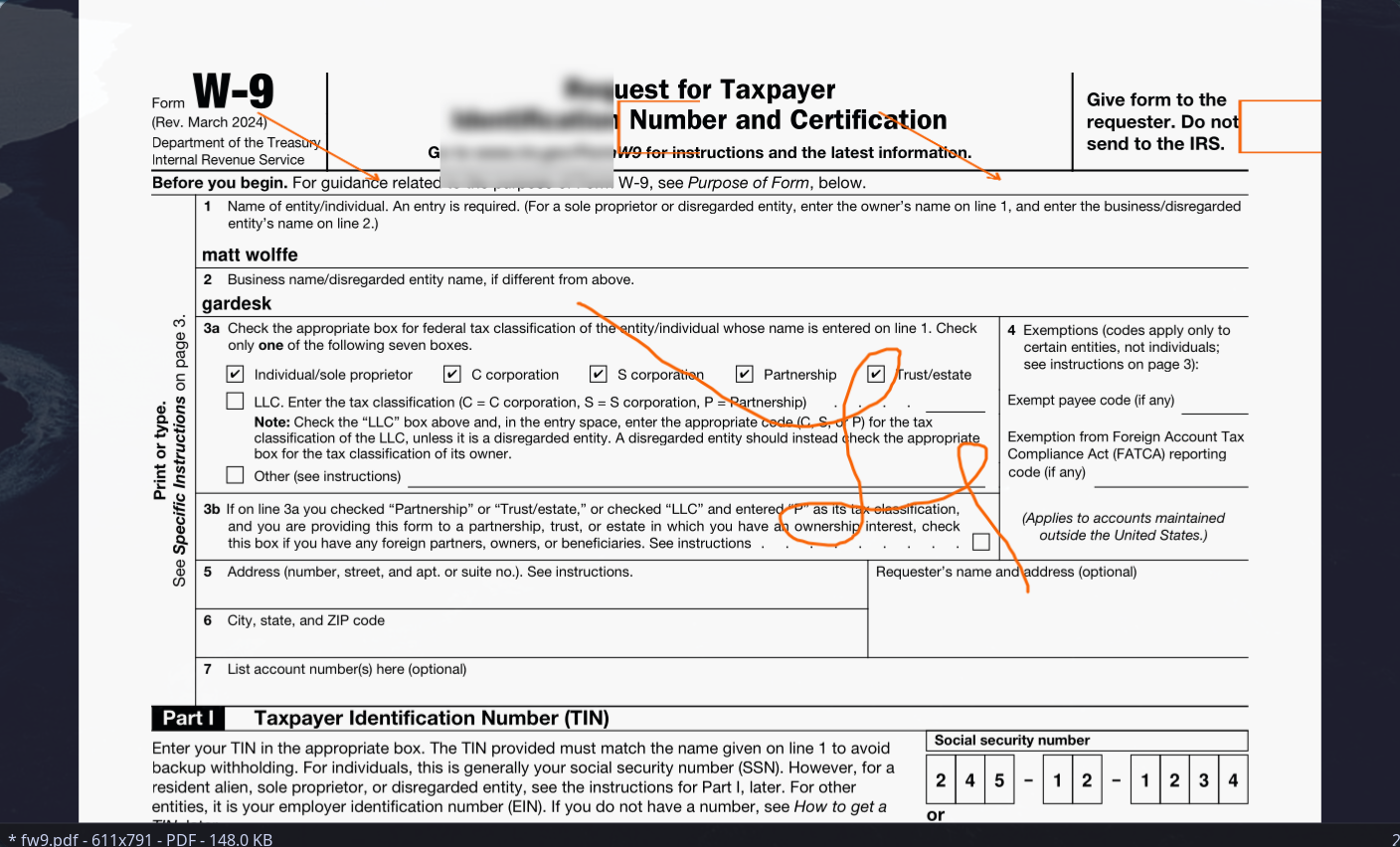
- 8 annotation tools with undo/redo history
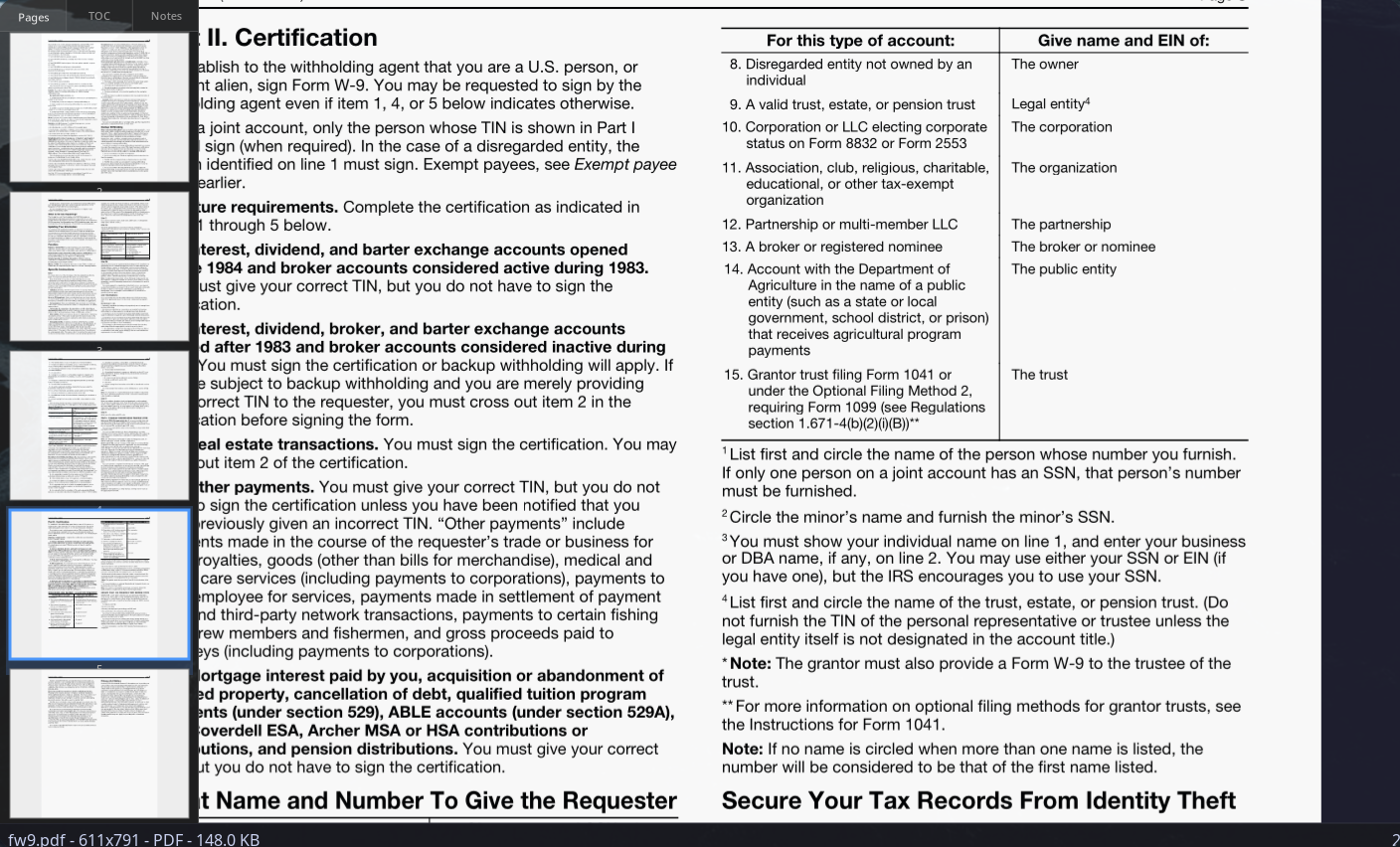
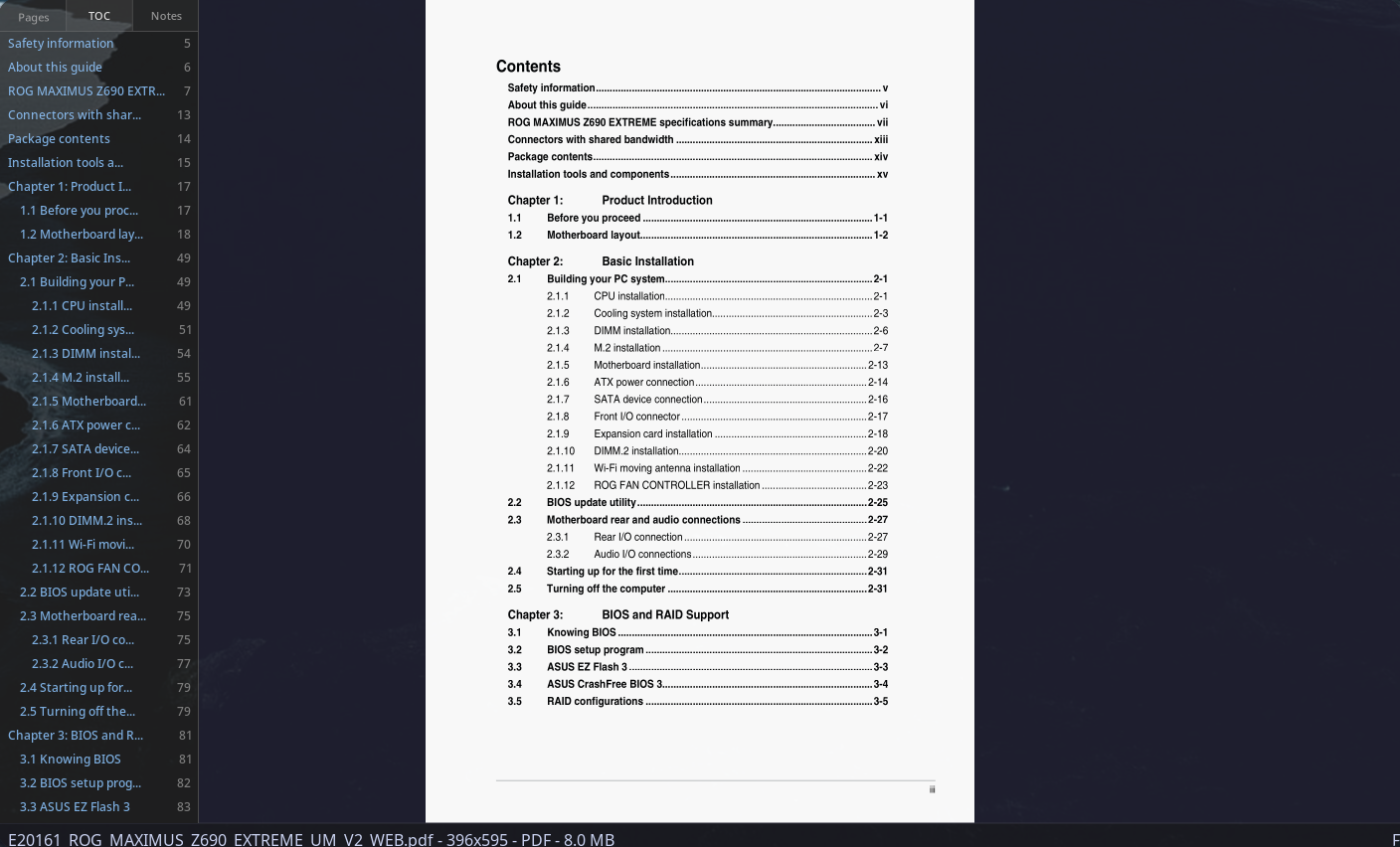
- PDF with text search, selection, and form fields
- Print via CUPS and export to PNG/JPEG
- Comics (CBZ, CB7, CBT) and eBooks (EPUB, MOBI)
- Raster images: PNG, JPEG, GIF, WebP, AVIF, TIFF
- SVG/SVGZ vector graphics with resvg
- Animated GIF and APNG playback
- Zoom: fit, fill, 100%, custom (5-2000%)
- Single, continuous, and dual page view modes
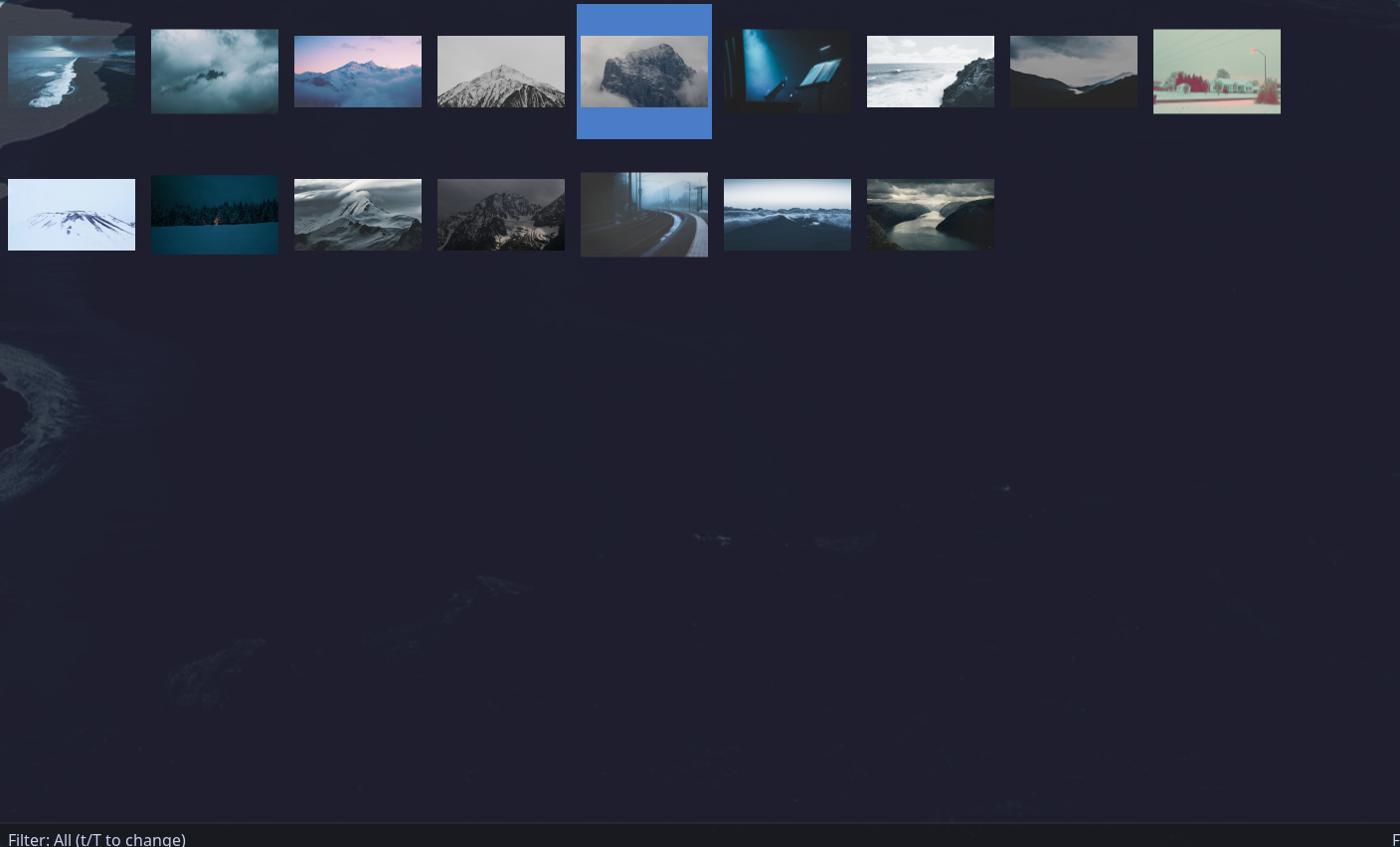
- Gallery mode with thumbnail grid
- Slideshow with configurable interval (1-30s)
- Clickable hyperlinks (internal and external)
- Session persistence (zoom, page, position)
- IPC control via garviewctl
Quick Start
What is garview?
garview is a feature-rich image and document viewer for the gardesk desktop environment. It handles raster images, SVG, PDF, comics, and eBooks with annotation tools, print support, and session persistence.
Control garview remotely via garviewctl for scripting and automation.
Installation
$ curl -fsSL https://gar.musicsian.com/install.sh | bash -s -- --component=garview # Install via script
$ cd ~/.local/src/gardesk/garview && cargo build --release # Or build from source
Basic Usage
$ garview # Open with recent files panel
$ garview /path/to/image.png # Open specific image
$ garview /path/to/document.pdf # Open PDF document
$ garview /path/to/comic.cbz # Open comic archive
$ garview /path/to/directory/ # Open directory in gallery mode
Command-Line Options
$ garview --fullscreen /path/to/image # Start in fullscreen
$ garview --slideshow /path/to/directory # Start slideshow of directory
$ garview --log /tmp/garview.log /path/to/file # Log to file
$ garview --help # Show all options
Quick Reference
Ctrl+A | Enter annotation mode |
Ctrl+P | Print current document |
Ctrl+E | Export as PNG/JPEG |
F7 | Toggle sidebar |
Tab | Toggle gallery mode |
q | Quit |